For recurring hangouts
Stop counting thumbs-up reactions. Ask once, see everyone.
Every standing hangout runs into the same wall: someone asks who is free this week, and the answer scatters across a group chat and a doc nobody opens. UpTrust replaces that with a small group for your people: one chat, one place to ask who is free, and one place to turn an answer into a plan.
No more scrolling
A grid, not a group-chat archaeology dig
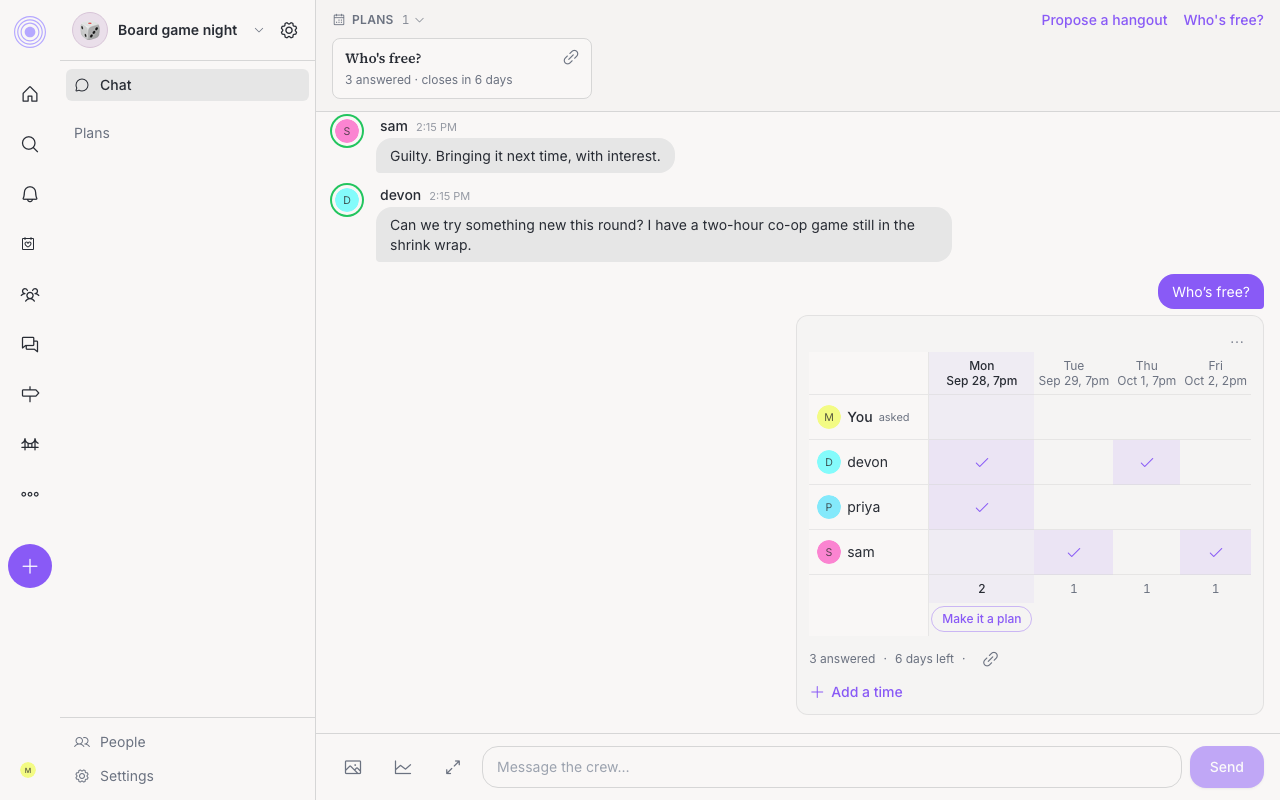
A Who's free? poll shows every member and every time slot in one grid. You see who answered and which time actually works without reading back through a week of messages.
For friends of friends
Anyone can answer, no account required
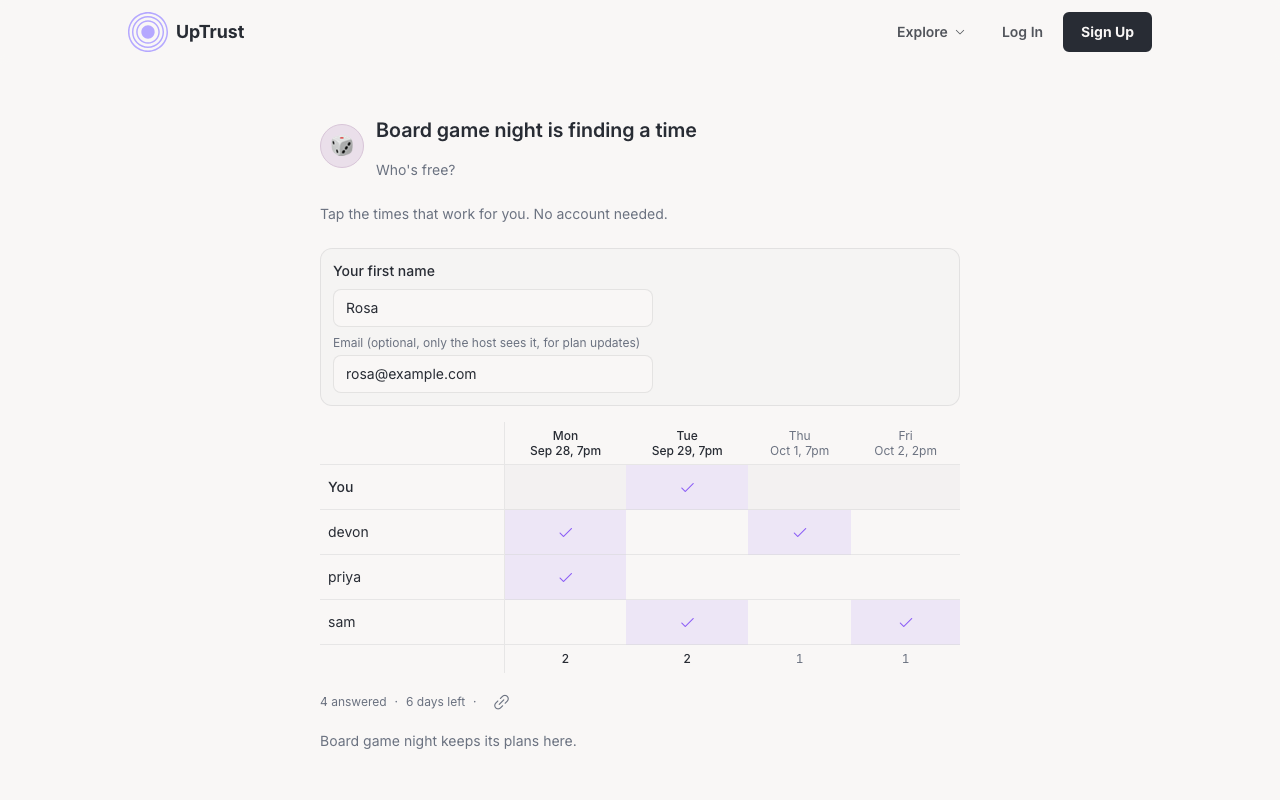
An open poll can share a public link. Whoever gets it types a first name, taps the times that work, and is done. They see the same grid, listed by first name only. If they leave an email address, the poll author can add them to the group directly from there.
One room for your people
Chat, plans, and people, in one place
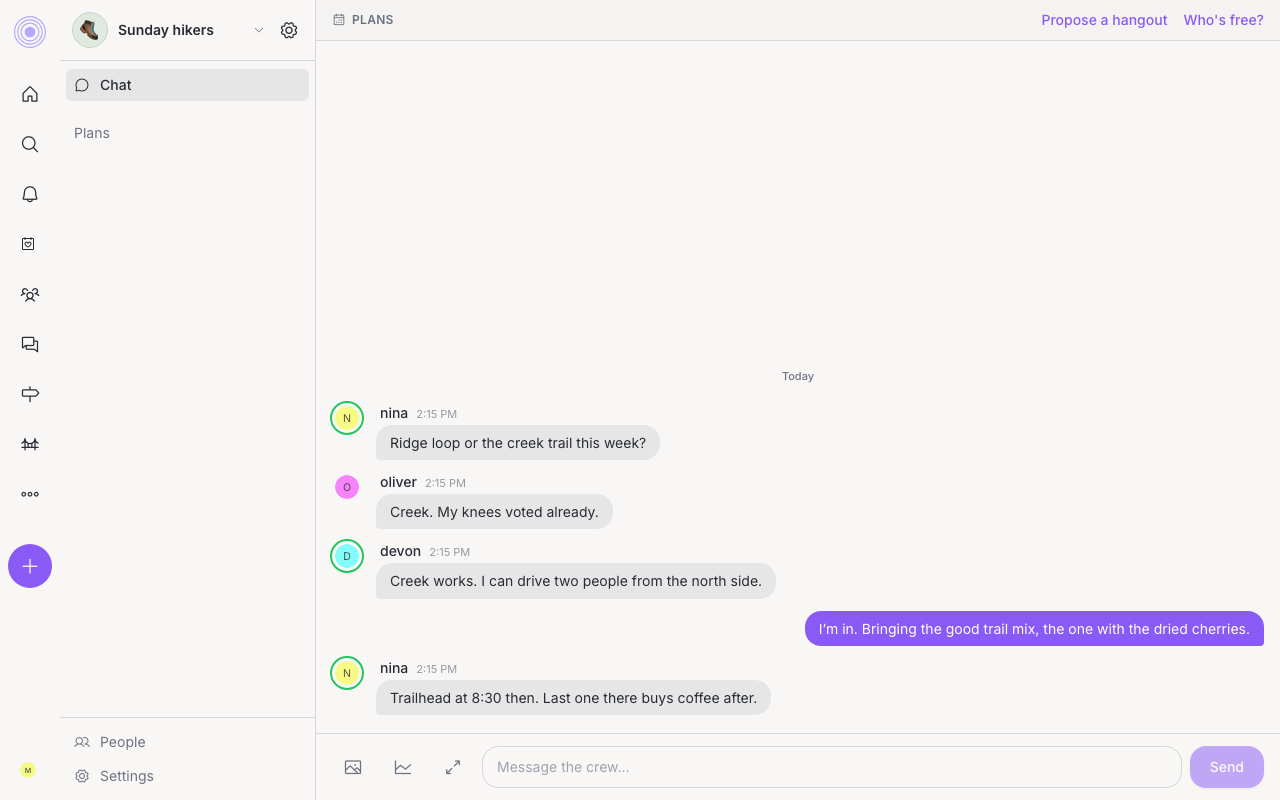
A small group starts as one room: one chat, one Plans area, and a People view where you can uptrust someone before they become a regular. It grows channels and tools only when you need them. When enough of the group signals Free right now, a meeting starts on its own and invites whoever is free in that moment.
Ask once
One person opens Who's free? in the group and adds a few times that could work. No new thread, no separate poll app.
Everyone answers in one place
Answers land in an availability grid instead of scattered replies. You can see who has said yes to which time at a glance, not by scrolling back through chat.
Make it a plan
Once enough people are in on a time, one click turns that slot into a real event and invites everyone who answered the poll.
Start a small group for your people.
Bring your regulars into one group, ask who is free, and let the grid do the counting.
Sign Up