The Bridges page is where you keep track of common ground in your network. It gathers the bridges around you, the ones you wrote, and open requests anyone can answer, so you don't have to go hunting for them.
Where to find it: Open the Bridges page. Across the top are four tabs.
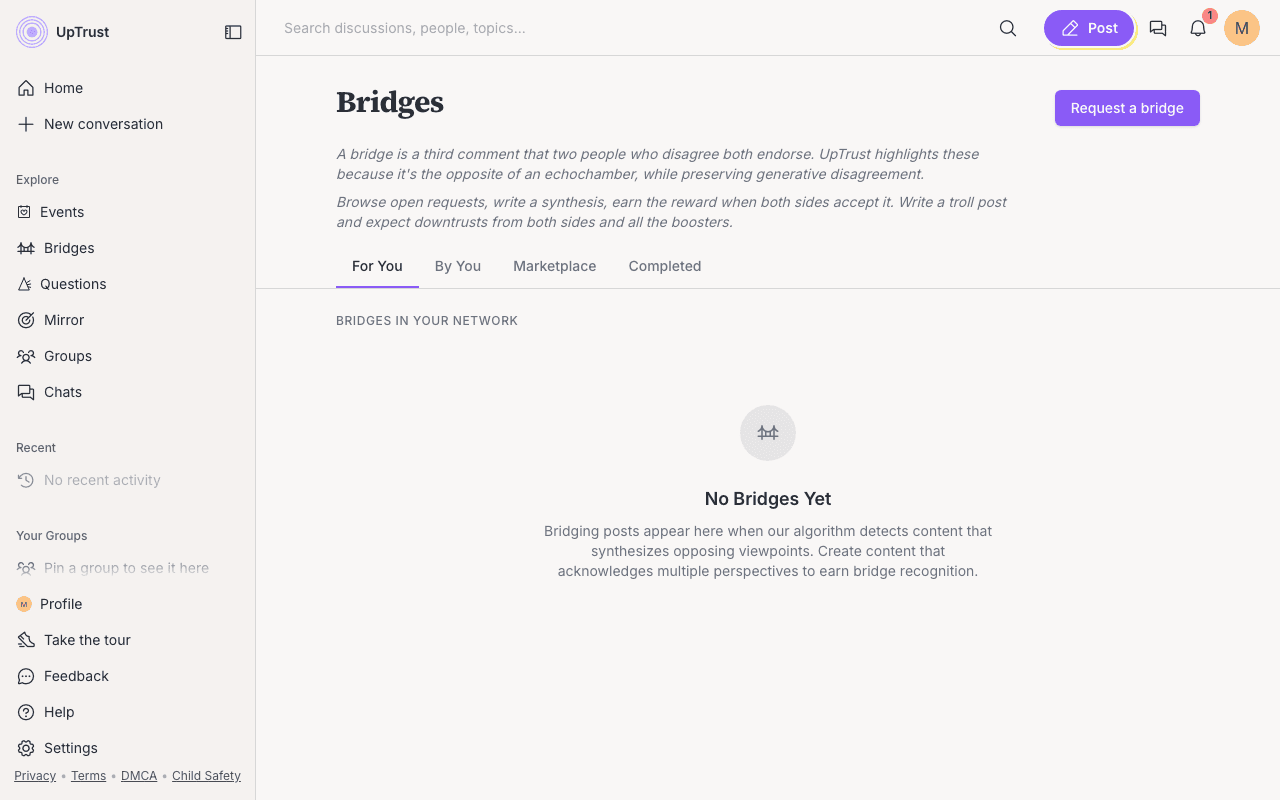
The four tabs
- For You. Bridges that have formed in your network, plus any bridge requests someone sent straight to you. A request sent to you shows a Decline link if it's not for you.
- By You. Your own work. A small portfolio shows how many bridges you've written and how many requests you've made.
- Marketplace. Open requests anyone can answer. See the marketplace guide for the filters and how to boost a request.
- Completed. Requests that someone fulfilled with a bridging post. You can switch between Mine and Everyone.
New to bridges?
Read What is a bridge? first. It explains why UpTrust lifts these up and why they're personal to you.
Logged out, you'll still see the Marketplace and Completed tabs. For You and By You appear once you log in.