Channels are chat spaces inside a group, like rooms for different topics. They give your group a quick back-and-forth without filling up everyone's feeds or inboxes.
Where to find it: Open any group. The channel list sits at the top of the left rail, under the word Channels. Click one to start reading.
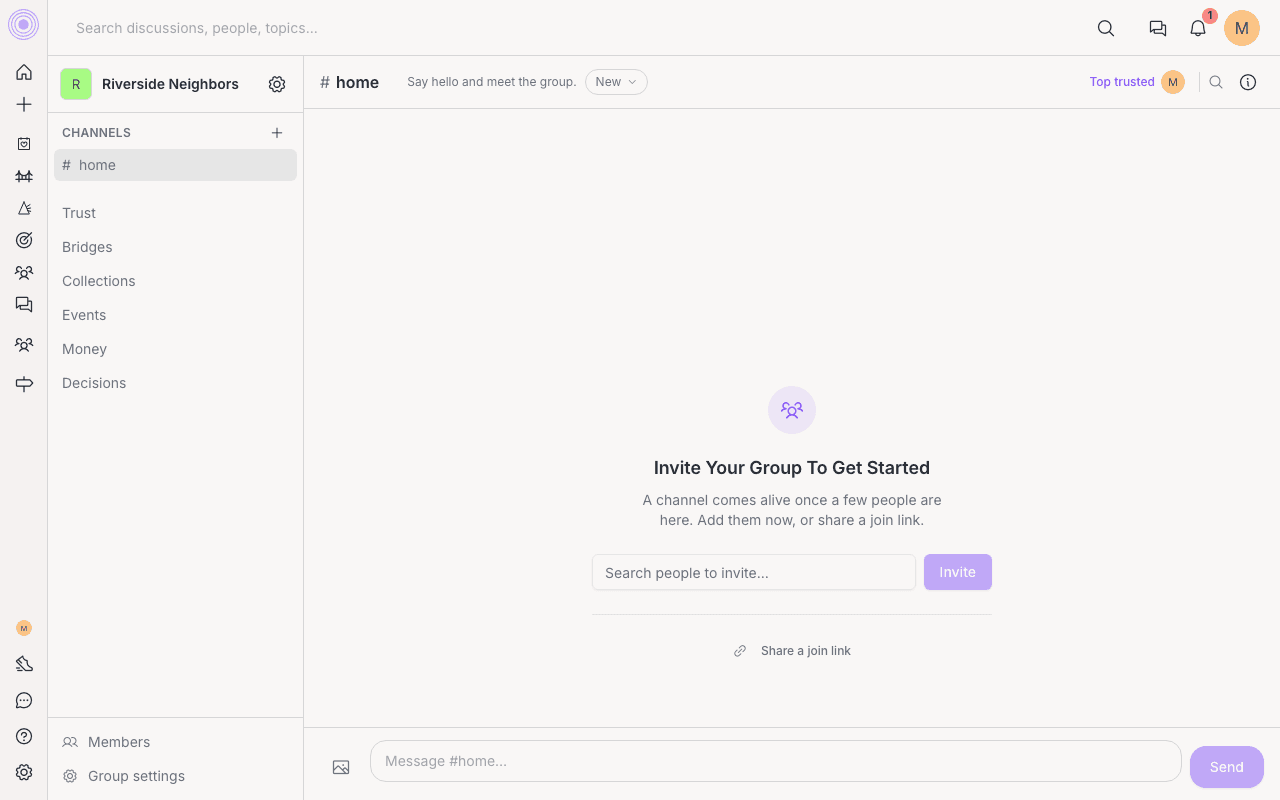
What you can do in a channel
- Send messages and reply in a thread to keep side talk tidy.
- React with an emoji, and mention someone with an @ to get their attention.
- Add a picture right in the message box.
- Ask @claude, if your admin has added it, and get an answer in the channel. See Ask @claude in a group.
- Add a poll to a message and let members vote inline. See polls.
- Pin a message so an important note stays easy to find.
- Save a message to one of your collections to keep it handy.
- If you start typing and step away, your text is saved as a draft so you can finish later.
- Turn a really good channel message into a full post for the whole group when it deserves a wider audience.
To reach these, hover a message on a computer and use the ... menu. On a phone, press and hold a message to open its actions, or swipe right on it to reply quickly.
Threads and the map
Reply to a message to open its thread in the same channel pane. The thread keeps the root message at the top, shows replies below it, and gives you one reply box at the bottom.
In a thread, use Map to see the reply tree. The map is read-only, and tapping a reply takes you back to the thread at that spot.
Trust on channel messages
If a channel message or thread reply has at least one topic, people can UpTrust or DownTrust it with the small chevrons beside the message. Those votes count as topic trust. Messages and replies without topics do not show those trust controls.
Private channels and your inbox
A channel can be open to the whole group, or private. A private channel is a smaller circle inside the group, and only the people added to it can see it. When you create a channel you pick which kind it is.
Unread channel messages do not flood your inbox. Instead they roll up into one quiet count of what is new in your channels, so you can catch up when it suits you.
Who can remove channel messages is set in Decisions. A moderator can remove a message or reply and share a reason with the author, but they cannot edit what someone else wrote.
What stays out of feeds