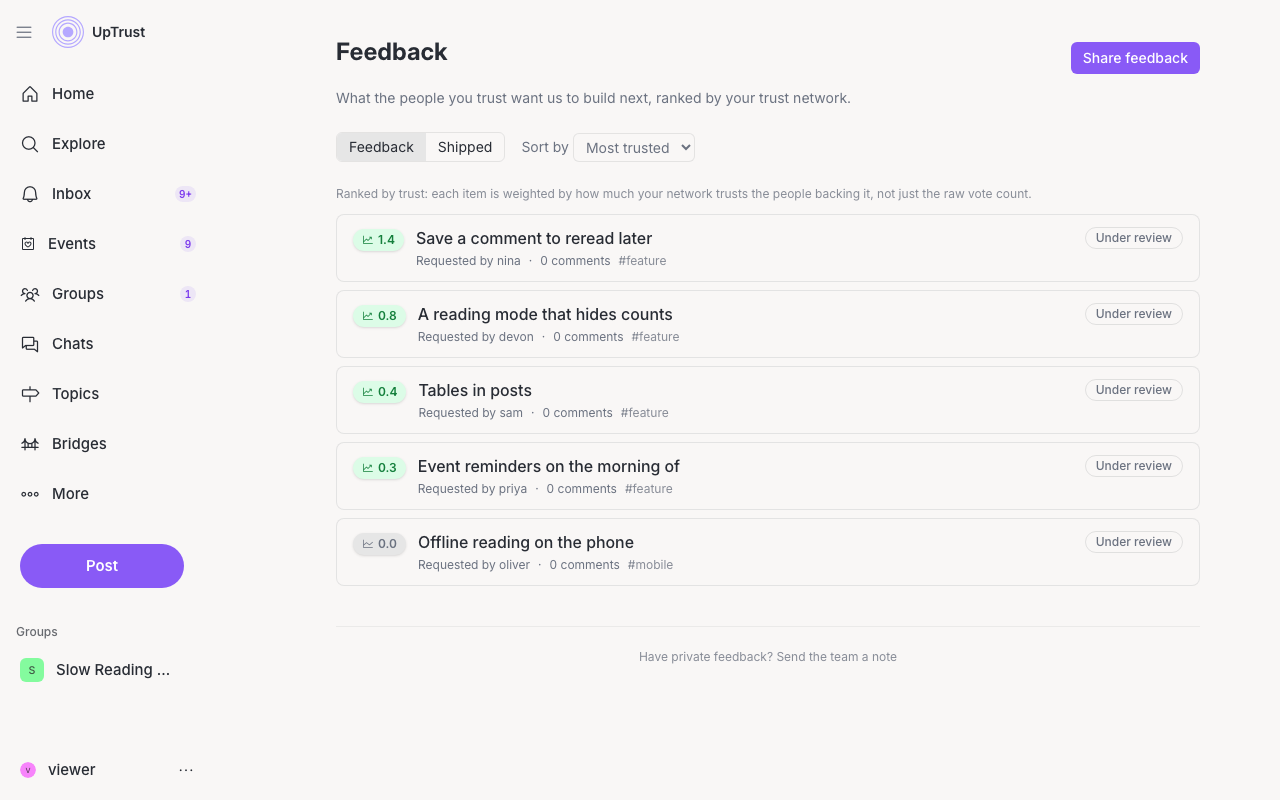
The feedback board shows what people want UpTrust to build or fix next. The default ranking uses your trust network, so trusted ideas rise above raw vote count.
Where to find it: Click your name at the bottom of the left sidebar, then choose Feedback.
Read and sort ideas
The Feedback tab lists open ideas. Use Sort by to choose Most trusted, Trending, or Newest.
Share an idea
Click Share feedback, add a title, description, and category, then click Submit. You need to log in before sharing public feedback.
Private notes and shipped work
Use Have private feedback? Send the team a note for feedback that should go straight to the team. Open Shipped to see the running changelog.