Inviting someone brings a friend onto UpTrust by email. Your invitation carries your trust, so they don't start from zero. They arrive already trusted by you on the topics you chose.
Where to find it: Open the Invite page from the main menu.
Your one invite
At the top of the page is Your one invite: a single standing invite for the person whose thinking you trust most. It never expires from your account, and it does not count against the five ordinary invites you can send each day. Press Use your one invite, pick topics, and send.
While it is pending, the card shows who it is waiting on. You can nudge, share the link, or remove it. If the invite expires, bounces, or you remove it, the slot frees so you can try again. Once someone accepts, that one invite is used.
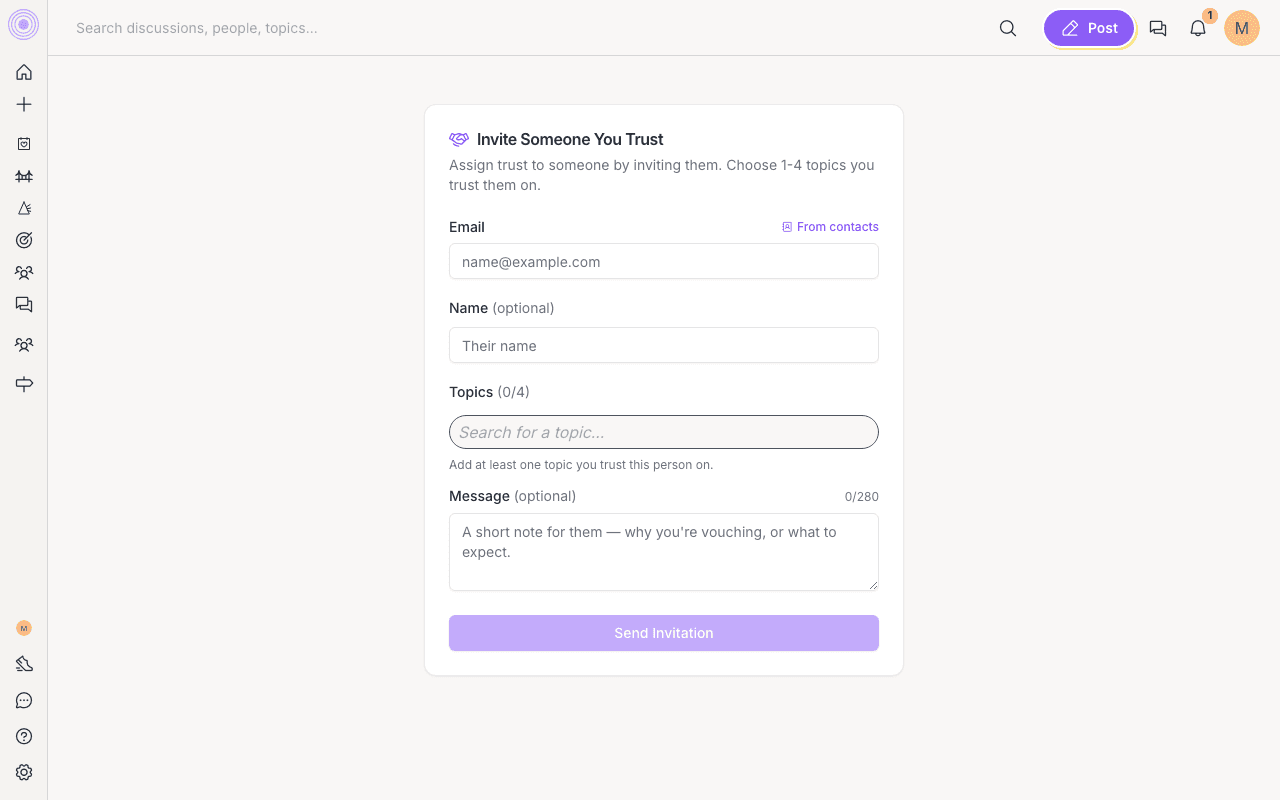
Send an invitation
- Enter their email. You can also add their name if you like.
- Pick 1 to 4 topics you trust this person on. Search for a topic or pick from the suggestions.
- Add a short message if you want, so they know why you're inviting them.
- Click Send Invitation.
If they already have an account, the invitation shows up in their inbox. If not, they get an email asking them to join. You can send up to five of these ordinary invites per day.
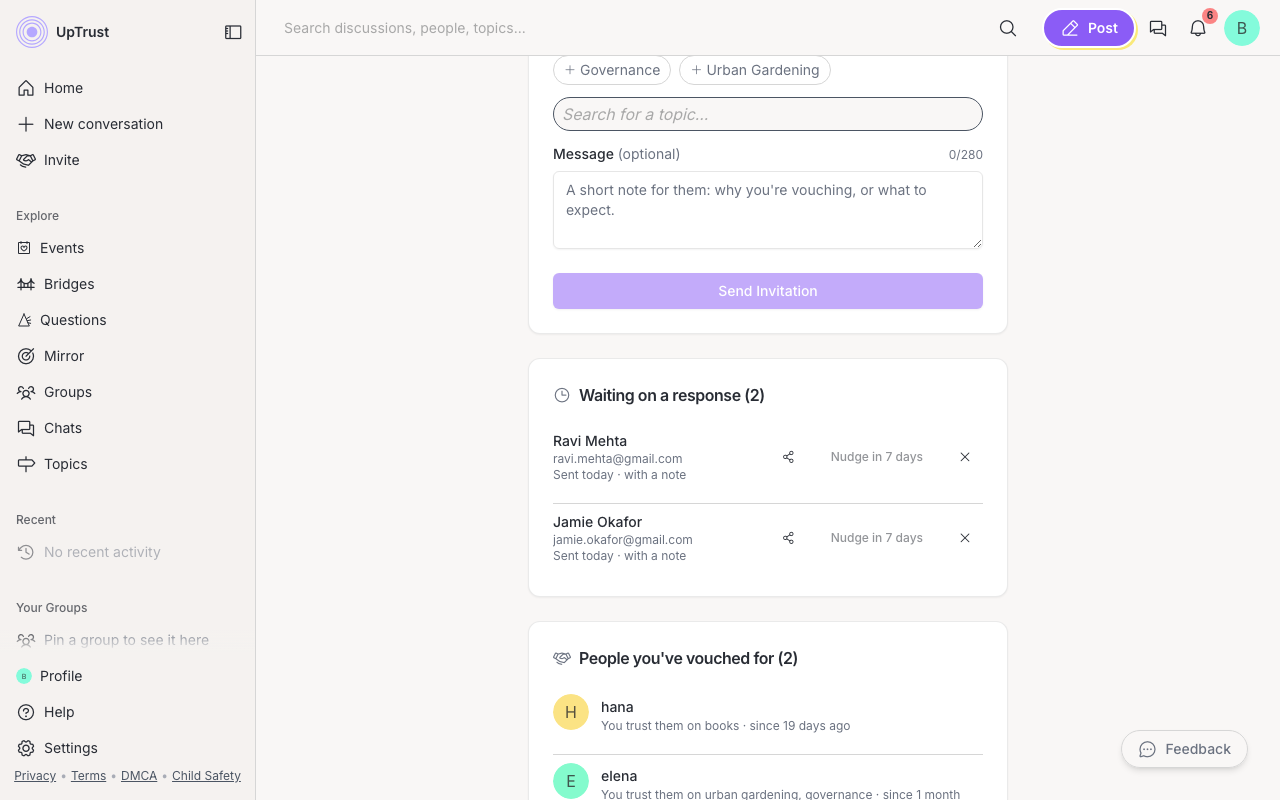
Keep track of your invites
Below the form, the same page lists what is still open and what your trust produced:
- Waiting on a response. Pending invites with when you sent them, and an opened mark when they've looked. After about a week you can press Nudge once. You can share the invite link or remove an invite anytime.
- People you've vouched for. Everyone who landed with your trust (accepted invites and direct vouches), the topics, and whether they trust you back.
Why this matters
Inviting is like a private head start. To say you trust someone publicly on their profile, use vouching instead.