A poll is a quick question you attach to a post or a channel message. It is the easy way to take the room's temperature, settle a small choice, or just see what people think.
Where to find it: Start a new post, or open a group channel. In the box where you write, click the chart icon and choose Add a poll.
Build your poll
Once you add a poll, the post's title field steps aside and the box becomes your question. Type the question, then fill in the answers.
- Add your options. You need at least two, and you can have up to ten. Use Add option for more, and drag them to reorder.
- Pick how people answer. Open the poll menu and choose one of three ways to vote:
- Pick one. Everyone chooses a single option.
- Pick several. People can choose more than one option.
- Rank in order. People line the choices up favorite first. When the poll closes, an instant-runoff count finds the winner. This is ranked-choice voting.
- Choose when it closes. Set Closes in to one day, three days, one week, or two weeks. Voting ends on its own when the time is up.
Two extra switches
- Trusted network only. Turn this on to let only people you trust take part. Everyone else can read the poll, but cannot vote.
- Let voters add options. Turn this on to let signed-in voters add another answer while the poll is open.
- Show who voted. In a group poll, you can let fellow members see each other's names next to their choice. Leave it off and votes stay private. Polls outside a group are always private.
How voting works
People pick their answer and click Vote (or Submit ranking for a ranked poll). Changed your mind? You can Change vote or Remove vote any time while the poll is open. You need to be signed in to vote, and the person who made the poll cannot vote on it.
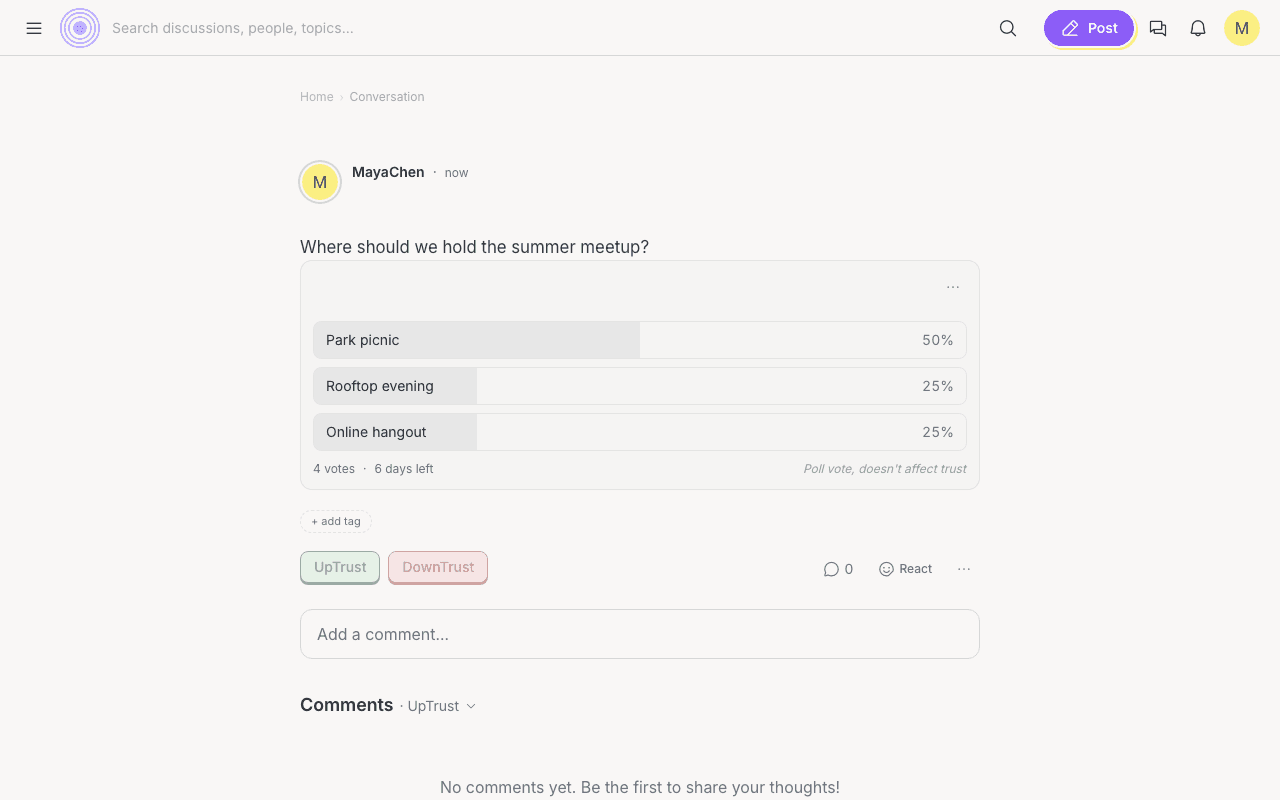
Results are live. Anyone can tap View results to see the bars fill in, and you are shown the results once you vote. When a ranked poll closes, it shows the winner and, if you are curious, How the rounds played out. As the author you can also end a poll early with Close poll now.
Poll votes do not change trust