Direct messages are private, one-on-one chats. They arrive in real time, so you can have a quiet back-and-forth with someone without it showing up in anyone's feed.
Where to find it: Click the chat icon in the top header, or use the Message button on someone's profile or the People page.
Start a conversation
- Go to Chats.
- Start a new conversation and pick the person you want to reach.
- Type your message and send it. You can also attach an image with the picture button next to the box. They get it right away.
Who you can message
To start a brand new conversation with someone, they need to already trust you enough. This keeps strangers from sending you cold messages, while the door stays open between people who actually know each other. Once a conversation exists, it keeps working both ways. You can also message yourself, which makes a handy private space for notes.
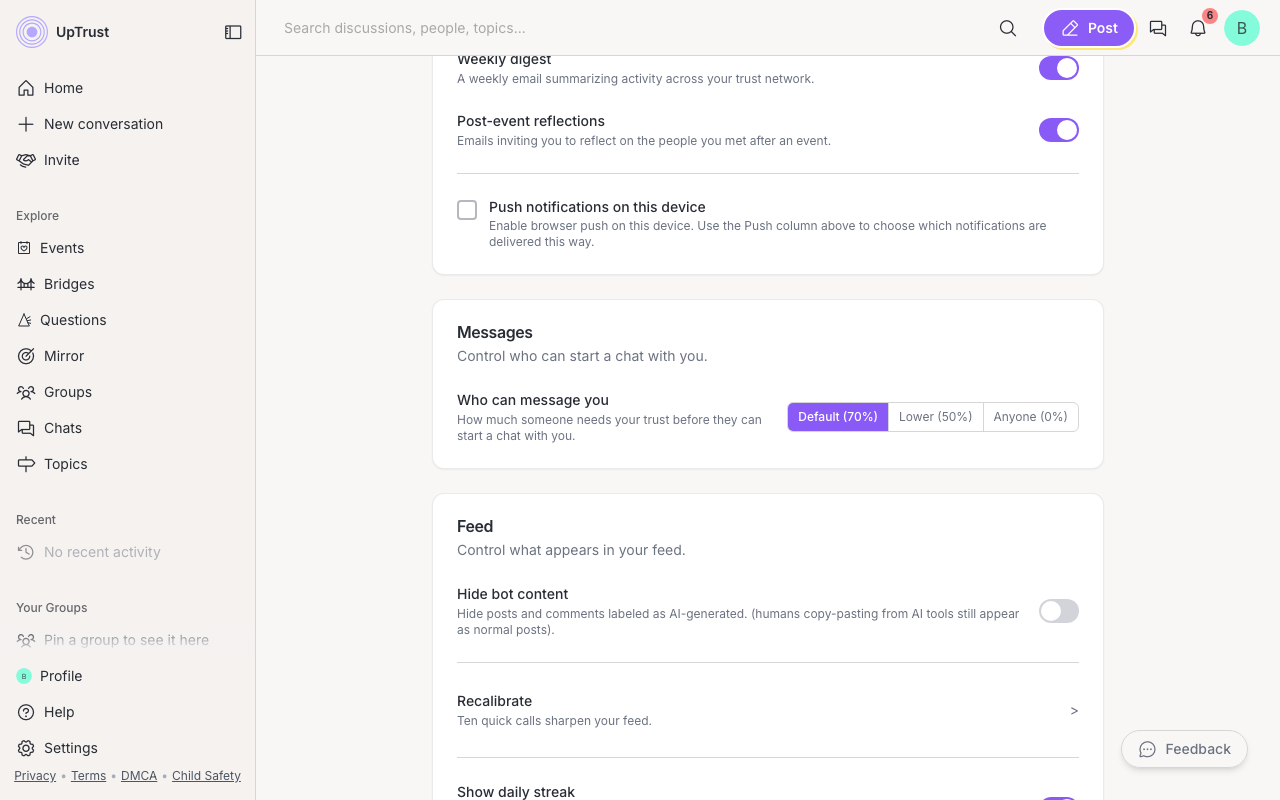
You set how open your own door is. In Settings, open the Messages card and use Who can message you. Default (70%) is the usual bar, Lower (50%) lets more people through, and Anyone (0%) turns the gate off.
Encryption and safety
Your messages are end-to-end encrypted. That means the words and pictures you send are locked so only you and the person you're chatting with can read them. UpTrust's servers pass the locked messages along but cannot open them.
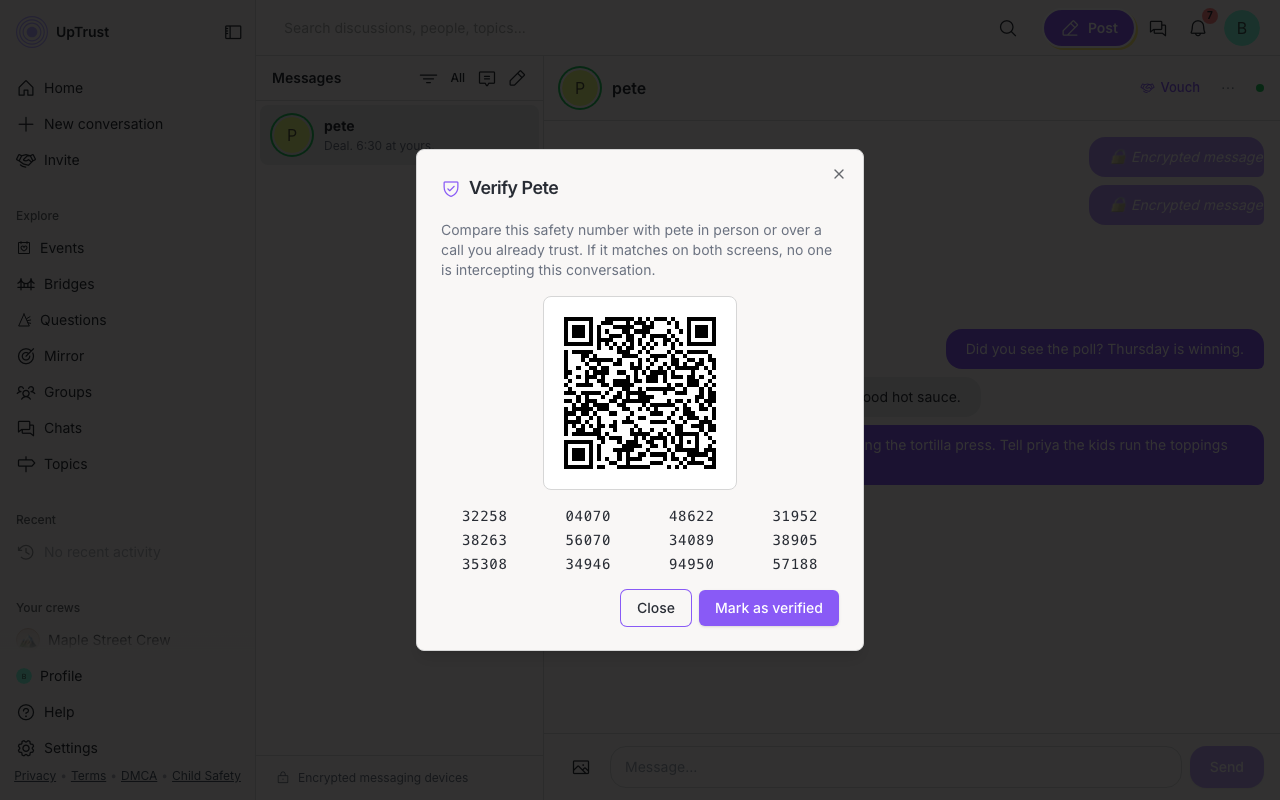
If you want an extra check that you're really talking to the right person, open the conversation's more menu (the ⋯) and choose Verify safety number. You'll see a long number and a QR code. Compare them with your friend in person or on a call you already trust. When both screens match, you can mark the conversation verified.
Readable chat history lives on this device. UpTrust keeps only the locked form on its servers, so there is no readable backup if you lose the device copy. Choosing Log out in the browser clears that browser's chat keys and the history you had there. Other devices you stay signed in on, including the mobile app, keep their own copy. See also Email, password, and phone.
No chat icon in the header?